
As commercial device reliance grows, proactive hardware maintenance strategies are replacing reactive equipment overhauls across regional operations.
Most firms these days rely on technology so they can function normally. From employee laptops to computers to network equipment, servers, and point-of-sale systems, it’s safe to say that hardware plays an integral role in productivity, communication, and many other processes.
When these devices suddenly stop working, even the smallest problem can seriously disrupt many sectors of your organization and, above all, lead to significant expenses. Even though many corporations are aware of it, they are still very irresponsible in terms of hardware maintenance.
Instead of waiting for a disaster to occur, it’s much better to be proactive about it because that’s going to help you prevent escalation.
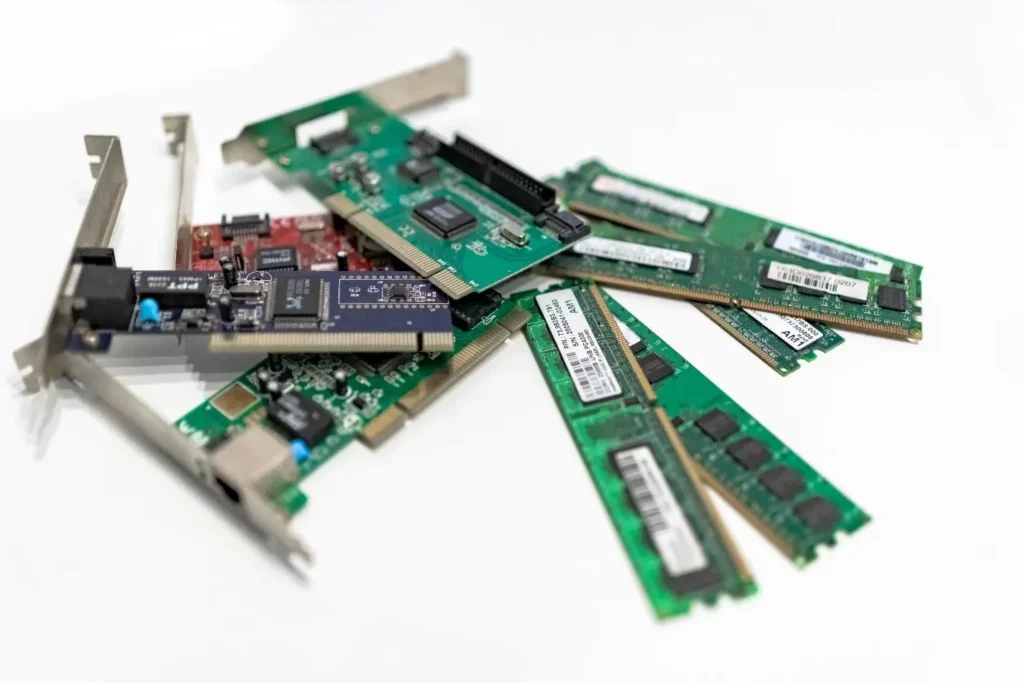
Timely Repairs Positively Affect Business Productivity
Even if you have a flawless maintenance strategy in place, hardware issues are bound to pop up eventually. The real make-or-break factor is how fast and effectively your business takes action when things go wrong.
Dragging your feet on a fix can quickly turn a minor, manageable glitch into a massive operational disaster. A loose charging port, a dying storage drive, or a broken cooling fan might feel like minor annoyances at first, but they will actively tank performance until the device completely dies.
Catching these warning signs early helps you figure out if a quick fix will save the day or if buying a replacement is the smarter move. For companies that rely heavily on portable tech, partnering with a professional laptop repair service gets your crew back to work without the major expense of buying brand-new computers. Qualified technicians can easily tackle everything from drained batteries and cracked screens to sticky keyboards and internal motherboard failures.
At the end of the day, making the right call comes down to a few basic details like the age of the machine, repair costs, and whether parts are actually available. Weighing the remaining lifespan of the device against its warranty coverage ensures you spend your IT budget wisely.
A Hardware Failure Isn’t Something You Want To Mess With
What many people fail to realize is that hardware failures do not only strike the device that stopped working. It impacts a lot of different aspects of your business, ranging from completing customer orders, accessing crucial files, or even communication among employees.
If a couple of employees rely on the same network equipment, this disruption is going to spread like wildfire. Not to mention the fact that if something like this happens, your expenses will skyrocket overnight.
That’s precisely why you need to perceive regular maintenance as an investment in productivity, consistency, and so on. When something like this happens, you won’t be dealing with the costs that involve only repair but many other financial problems. For starters, your workers won’t be able to finish their tasks, customers will face delays, etc.
If your company is reliant on interconnected systems, then one hardware failure is going to affect even sectors that have nothing to do with the original problem. For instance, a warehouse may depend on wireless access points, barcode scanners, and inventory software working together.
If the network hardware fails, then the workforce is not going to be capable of accessing inventory records, although warehouse equipment itself works perfectly. This is going to affect fulfillment, increase the risk of mistakes, and so on.
A financial aspect of your firm is not the only thing that’s going to suffer. Your reputation will be ruined, as well. Customers will be extremely frustrated because they won’t be able to complete their purchase, or their order won’t be delivered in a timely manner, etc.
Consequently, it’s of huge importance to understand the consequences of this because only then will you know what you can do to potentially prevent it.
You Need To Establish A Preventative Maintenance Routine
Preventive maintenance works best when you build it entirely around how your business actually uses its tech every day. Rather than sitting around and waiting for a catastrophic breakdown, smart companies set up routine health checks to spot hidden hardware risks early.
This proactive approach lets you catch small glitches before they morph into expensive downtime that halts your entire operation. These routine checkups should focus on the basics like inspecting frayed cables, cleaning out dust according to factory guidelines, and ensuring cooling vents have proper airflow.
Reactive Maintenance Simply Isn’t Going To Cut It!
Reactive maintenance is basically the classic “if it ain’t broke, don’t fix it” approach where you only repair gear after it completely dies. This strategy can actually make total sense for cheap, low-stakes gadgets that are a breeze to replace without slowing down your day.
However, relying on this emergency-only mindset for every single piece of tech leaves your business wide open to massive, avoidable chaos. Operating this way means your team has to sit around waiting for a total meltdown before anyone even realizes there is a problem.
Once a crash happens, you are stuck trying to diagnose the glitch, hunt down replacement parts, and wait on technical support to patch the system back together. If that failure hits in the middle of the night or involves a rare, specialized component, your downtime is going to stretch out a lot longer than you think.
Proactive maintenance completely flips this stressful script by tackling hidden hardware glitches long before they balloon into full-blown operational disasters. Instead of waiting until a critical server literally overheats or an employee’s computer completely freezes up, your tech team takes the offense.
They regularly inspect your gear, flag subtle warning signs, clean out dust, push vital firmware updates, and swap out aging parts before they have a chance to fail. This does not mean your IT crew needs to waste time obsessively servicing every single mouse and keyboard in the office.
Smart maintenance is all about tailoring your care plan to a device’s age, daily workload, overall environment, and historical glitch record. The ultimate goal is to channel your energy and budget toward your most critical infrastructure where it will deliver the biggest operational payoff.
Do You Have A Maintenance Schedule?
A solid maintenance program begins with a clean inventory of the hardware an organization has in its possession or manages. When you do not know which devices exist or where they are situated, it can be pretty hard to plan inspections or repairs.
A hardware inventory should record all the essential pieces of information, like device type, serial number, location, warranty status, etc. Apart from that, it can identify which systems depend on every device, helping teams better comprehend all the consequences they’ll be dealing with once the failure occurs.
When the inventory is built, corporations can establish maintenance schedules based on risk. Network equipment, crucial servers, and devices supporting vital transactions may demand closer supervision than spare peripherals or equipment leveraged occasionally.
Maintenance tasks normally involve checking ventilation, going through hardware diagnostic reports, power supplies, inspecting cables, and other things. What you need to understand is that consistency is a lot more critical than complexity.
A simple schedule that your workers follow is, in fact, far more beneficial than an elaborate plan that is almost never finished. Maintenance records should document everything that was inspected, issues that were identified, whether follow-up is necessary, etc.
Your Devices Should Be Reliable And Productive
Employee hardware is easily overlooked because it is scattered across corporate offices, remote home setups, and completely different departments. Yet these everyday tools, like laptops, monitors, printers, and docking stations, sit right at the absolute center of your team’s daily hustle.
If these basic devices start experiencing problems, your people will instantly lose precious hours restarting frozen systems, manually moving files, or sitting on hold with technical support. When you multiply those minor annoyances across an entire workforce, those tiny tech hiccups quietly snowball into a massive drop in company-wide productivity.
That is why routine workstation checkups need to be a non-negotiable part of your operational playbook. A solid checkup means inspecting physical gear, running manufacturer diagnostics, clearing out dusty cooling vents, and actively digging into those weird, recurring errors that employees usually ignore.
Keeping tabs on battery health is another huge priority if you want to keep your remote or traveling workforce moving smoothly. As laptop batteries age, their charge time plummets, and sudden, unexpected shutdowns become a frustratingly regular occurrence.
Smart businesses track these battery lifespans in real time so they can schedule a quick swap before a dead computer completely derails an employee’s workday. Of course, even with perfect care, hardware is eventually going to fail, which is why you need a crystal-clear tech support process ready to go.
When a device acts up, employees should know exactly how to report the fault and give technicians the specific data points needed for a fast diagnosis. Sometimes a targeted, inexpensive repair can easily stretch a machine’s lifespan for another year, while other times, cutting your losses and buying a replacement is way cheaper than paying for endless troubleshooting.
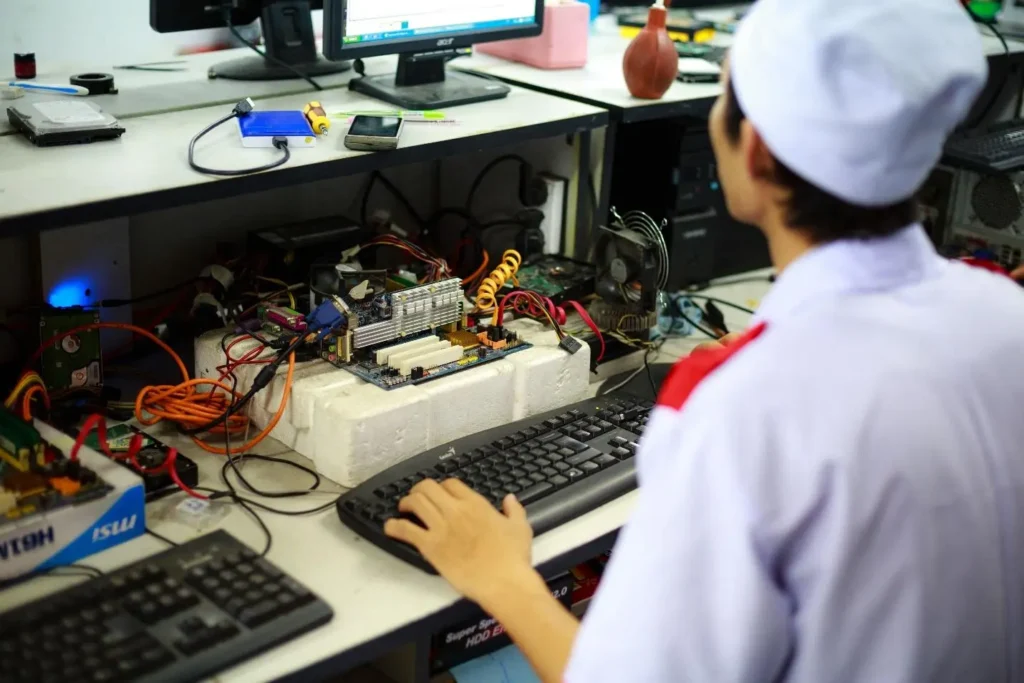
There are numerous advantages to regular hardware maintenance, and these are the things that you shouldn’t take for granted because they are the ones that will ensure your company runs seamlessly.