
What are AI visual effects tools for filmmakers?
AI visual effects tools are software platforms that use artificial intelligence to create, enhance, or modify cinematic effects without requiring expensive production resources or large VFX teams. These tools help filmmakers add elements such as background replacements, object changes, motion effects, image enhancements, and scene extensions at a lower cost.
For independent filmmakers, creators, and small production teams, AI VFX has made professional-looking effects more accessible. Instead of relying only on traditional compositing workflows, creators can now experiment with advanced effects during pre-production, production, and post-production.
This guide compares AI VFX tools based on their creative capabilities, ease of use, pricing, and suitability for budget-conscious filmmakers working on AI filmmaking projects.
How were these AI VFX tools selected for budget filmmakers?
The tools in this list were evaluated using practical criteria that matter for creators working with limited budgets.
The first factor is creative capability, including the ability to generate, remove, replace, or enhance visual elements.
The second factor is workflow efficiency, including how quickly creators can move from an idea to a finished effect.
The third factor is cost accessibility, focusing on whether independent creators can access useful features without expensive production setups.
The fourth factor is control and consistency, especially for filmmakers who need reliable visual results across multiple shots.
The fifth factor is ease of use, because many creators need cinematic results without advanced VFX experience.
Best AI VFX tools compared for cinematic filmmaking in 2026
| Tool/Item | Best for | Key output or feature | Starting price (or equivalent) |
| invideo Agent | AI filmmaking workflows | Agent-based video creation with connected creative workflows | Paid plans start from $17/month |
| Runway | AI-generated cinematic effects | Generative video, image-to-video, and creative editing tools | Free plan available; paid plans start at $12/month billed annually |
| Adobe Firefly | Professional creative teams | Generative editing and Adobe ecosystem integration | Paid plans available |
| Pika | Fast AI effects and transformations | AI video effects and creative edits | Pricing changes by plan |
| Kaiber | Stylized visual transformations | Artistic video effects and animation styles | Pricing changes by plan |
| Luma Dream Machine | AI-generated cinematic shots | Text-to-video and image-to-video generation | Free and paid options available |
Invideo Agent: AI filmmaking workflows with connected creative control
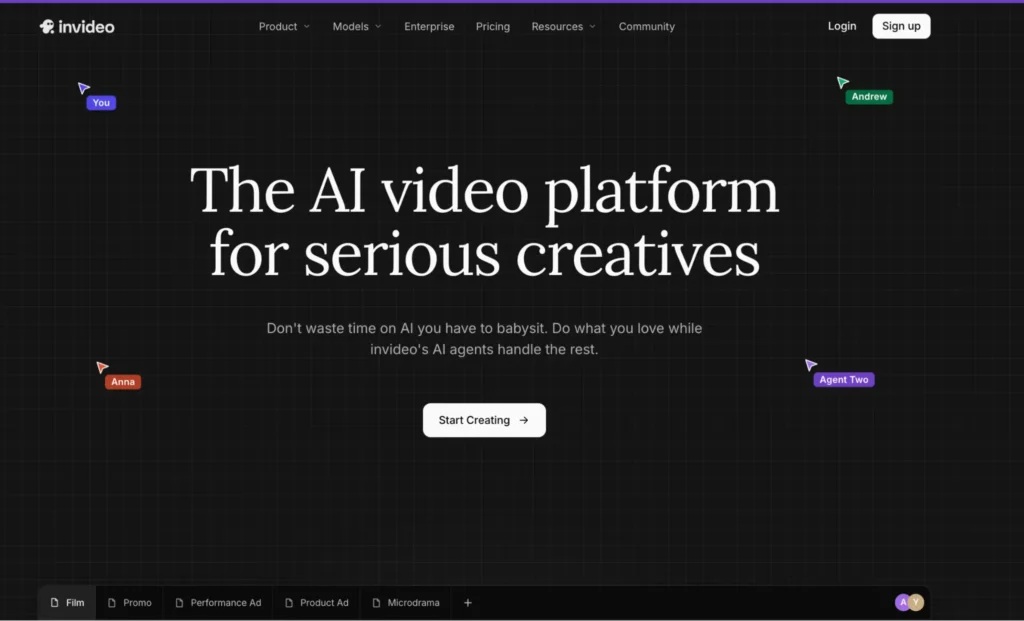
Invideo Agent helps creators turn ideas into complete videos by managing elements such as scripts, scenes, visuals, voiceovers, music, and editing inside an agentic workflow.
For AI filmmaking projects, this approach helps creators handle more than individual effects. Instead of only generating isolated visuals, creators can develop a complete video workflow where creative decisions stay connected from concept to final output, including the development of cinematic visual effects and scene enhancements.
Invideo Agent is useful for filmmakers who want to combine storytelling, visual development, and production steps without managing every stage manually.
Best for: Independent filmmakers and creators building complete AI filmmaking projects with limited production resources.
Where it falls short: Creators looking only for advanced manual VFX compositing controls may still prefer dedicated post-production software.
Pricing: Plans start at $17/month for Plus, $85/month for Max, and $170/month for the Generative plan.
Runway: Generative video effects with cinematic control
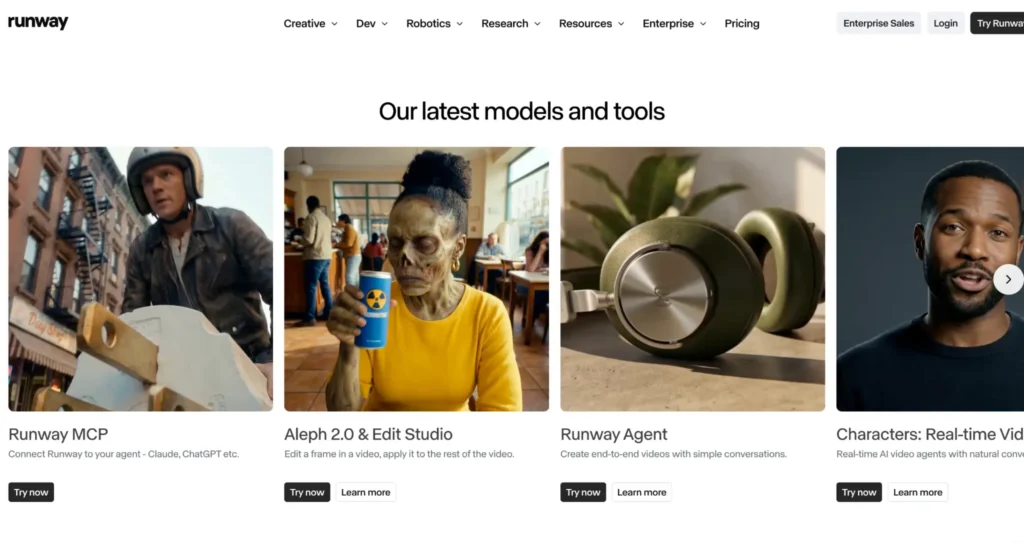
Runway provides AI-powered video generation and editing tools designed for creators working on cinematic visuals. Its models support tasks such as image-to-video generation, visual transformations, and creative experimentation. Runway’s Gen-4 workflow focuses on generating consistent characters, objects, and scenes from references.
The platform is commonly used for creating cinematic shots, concept visuals, and effects-heavy sequences without traditional VFX pipelines.
Best for: Filmmakers who want advanced AI-generated shots and cinematic experimentation.
Where it falls short: Credit-based generation can become expensive for creators producing many iterations.
Pricing: Free plan available; paid plans start at $12/month billed annually.
Adobe Firefly: AI effects inside a professional creative ecosystem
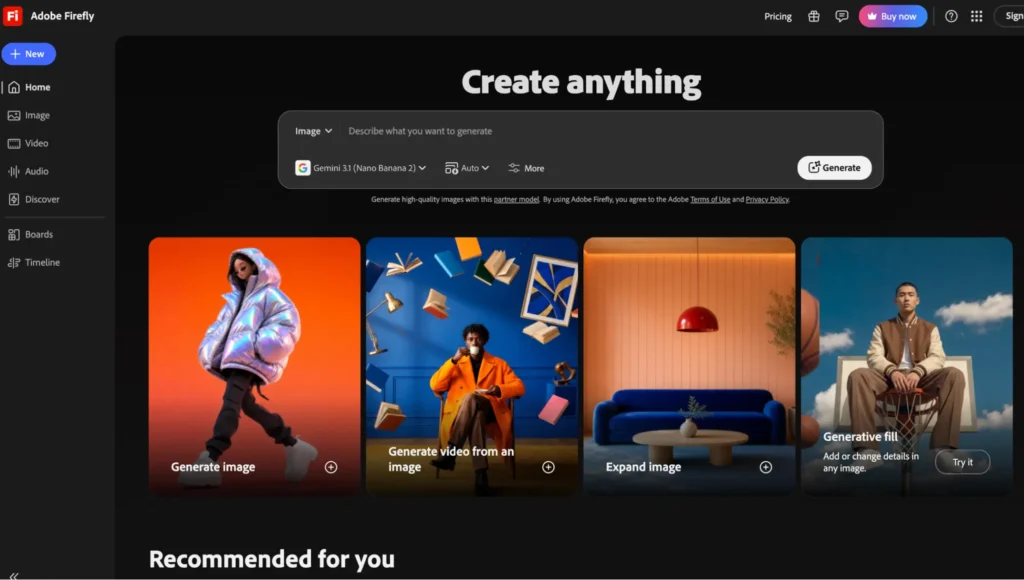
Adobe Firefly brings generative AI features into Adobe’s creative ecosystem, allowing users to create and modify visual assets through AI-powered tools.
For filmmakers already using Adobe products, Firefly can support workflows involving image creation, generative editing, and visual experimentation. Its connection with professional creative applications makes it useful for teams that need AI assistance alongside traditional editing workflows.
Best for: Creative professionals already working inside Adobe’s ecosystem.
Where it falls short: Independent filmmakers looking for a dedicated AI video production workflow may find it less focused on complete video creation.
Pricing: Available through Adobe plans with different credit and feature options.
Pika: Fast AI effects for creative video transformations
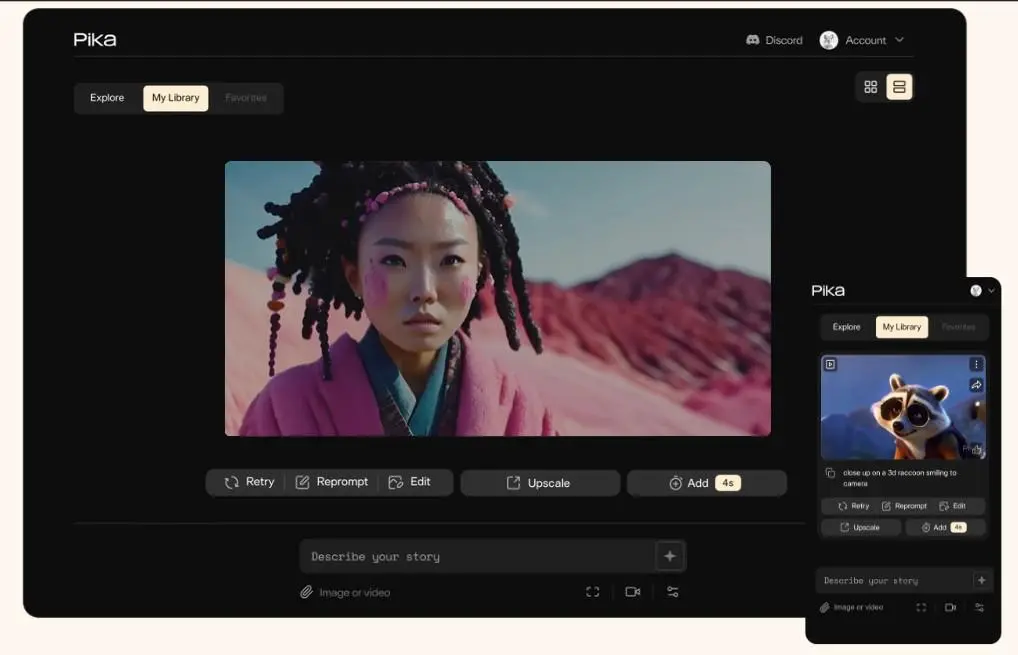
Pika focuses on quick AI-powered video transformations that allow creators to experiment with visual effects and creative changes.
The platform is designed for creators who want fast visual experimentation without building complex VFX setups. It can help generate stylized effects, transform scenes, and create short-form visual content.
Best for: Creators producing quick cinematic experiments and social-first videos.
Where it falls short: Large-scale productions requiring detailed shot control may need more specialized workflows.
Pricing: Pricing varies by available plans.
Kaiber: Stylized AI effects for artistic videos
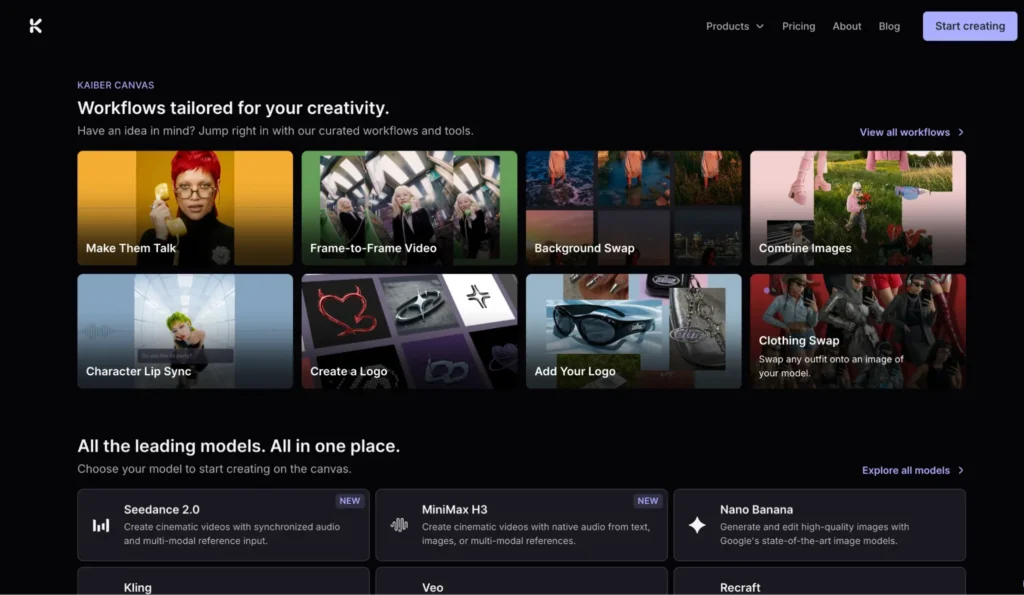
Kaiber helps creators transform existing visuals into stylized animated and artistic video sequences.
The platform works well for music videos, creative campaigns, and projects where visual style is more important than realistic VFX accuracy.
Best for: Artists and creators developing experimental visual styles.
Where it falls short: It is less suited for realistic film production requiring strict continuity.
Pricing: Pricing varies by plan.
Luma Dream Machine: AI-generated cinematic shots
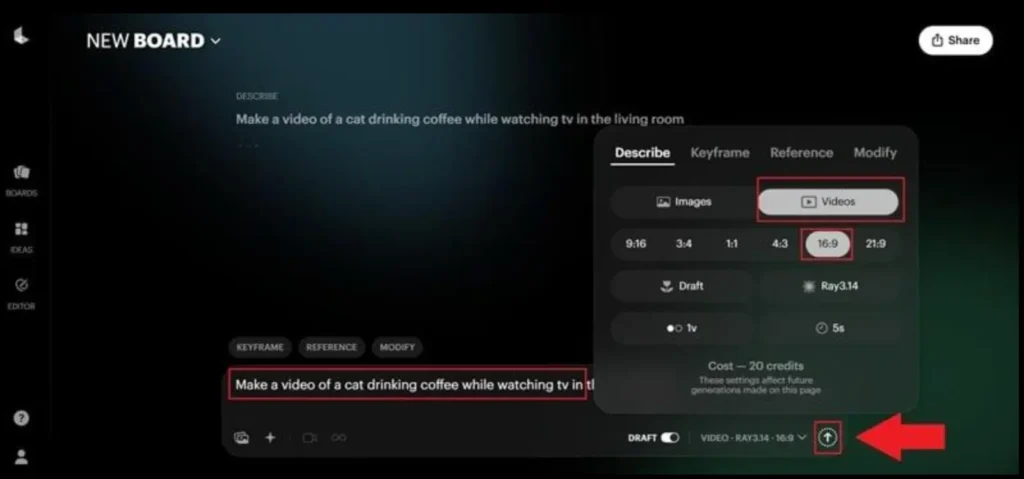
Luma Dream Machine creates AI-generated videos from text and image inputs. It is designed for creators who want to quickly explore cinematic ideas and generate visual concepts.
The tool can help filmmakers test scenes, develop concepts, and create visual references before production.
Best for: Concept development and early-stage visual exploration.
Where it falls short: Maintaining precise control over complex multi-scene productions can require additional workflows.
Pricing: Free and paid options are available.
Which AI VFX tool should you use for your filmmaking workflow?
The right AI VFX tool depends on the type of project and the level of creative control required. For creators looking for a complete AI filmmaking workflow that connects planning, production, and editing, invideo Agent is a suitable choice.
Filmmakers focused on generating advanced cinematic AI shots may prefer Runway, while teams already working within professional creative workflows may find Adobe Firefly a better fit. For quick AI effects and creative transformations, Pika offers a faster experimentation workflow.
Creators who need realistic AI-generated scenes can explore Kling AI, while Kaiber works well for stylized visual effects and artistic transformations. For early-stage concept development and visual exploration, Luma Dream Machine can help bring ideas to life, whereas CapCut AI tools are better suited for creators producing fast social video effects.
Frequently asked questions about AI VFX tools for filmmakers
Which AI VFX tool is best for independent filmmakers on a budget?
The best option depends on the type of effects needed. Invideo Agent works well for creators who want an end-to-end AI filmmaking workflow, while tools like Runway and Pika are useful for specific visual generation tasks.
Can AI tools replace traditional VFX workflows?
AI tools can reduce the time and cost required for many visual effects tasks, but they do not fully replace professional VFX pipelines for complex productions. Many filmmakers use AI alongside traditional editing and compositing methods.
Which AI tool helps create cinematic effects without advanced VFX skills?
Tools such as invideo Agent, Pika, and CapCut make AI-assisted video creation more accessible by reducing technical barriers. They allow creators to generate and edit visual elements without requiring extensive VFX knowledge.
How does AI filmmaking change low-budget film production?
AI filmmaking allows smaller teams to experiment with cinematic visuals that previously required larger budgets and specialized teams. Creators can now test ideas, generate assets, and refine scenes faster during production.
Can AI tools maintain consistency across cinematic scenes?
Some AI tools focus on improving consistency through references and controlled generation. Invideo Agent supports AI filmmaking workflows where creative context, scenes, and production decisions remain connected throughout the video creation process.
Conclusion
AI VFX tools are making cinematic visual effects more accessible to independent filmmakers, creators, and small production teams. From generating complete scenes to transforming footage and creating stylized effects, these tools can reduce production time and help bring ambitious visual ideas to life without a traditional VFX budget.
The best tool depends on your workflow and creative goals. Invideo Agent is useful for connected AI filmmaking workflows, Runway is strong for cinematic generation, Adobe Firefly fits professional creative ecosystems, while Pika, Kaiber, and Luma Dream Machine are useful for fast experimentation and visual development.
For budget-conscious filmmakers, the smartest approach is not to rely on one tool for everything. Combining AI VFX platforms with traditional editing and compositing can provide a practical balance of cost, creative control, consistency, and production quality in 2026.